BF6 weapon stats explained: kills, accuracy, headshots, and KPM
What each Battlefield 6 weapon stat means on BattleStats — and how to use kills, accuracy, headshot rate, damage, and KPM to improve loadouts without chasing bad metrics.
By BattleStats

Weapon tables are only useful if you know which column answers which question. Here is how BattleStats frames Battlefield 6 gun performance — and how to avoid common misreads.
Kills
Kills are volume. They answer “what have I actually used?” Sort by kills to find your real main, not the gun you unlocked last night.
High kills + low KPM can still be fine on a defensive playstyle; high kills + low accuracy may mean you spray angles that never convert.
Accuracy
Accuracy is hits divided by shots (as reported upstream). Treat it carefully:
- LMGs and full-auto sprays will look “worse” than DMRs.
- Shotguns and explosives distort comparisons across categories.
- Small sample sizes swing wildly.
Compare accuracy within a class (carbine vs carbine) after at least a few hundred shots.
Headshot rate
Headshot percentage is one of the cleanest aim quality proxies when volume is high. Rising HS% on the same weapon after a sensitivity change is a good experiment log. Falling HS% with rising KPM might mean you are taking messier multi-enemy fights — not always a downgrade.
Damage
Damage dealt captures chip, vehicle interaction, and assists-adjacent pressure that pure kills miss. If two ARs have similar kills but one posts much higher damage, it may be better at ranged suppress or armor chip depending on how you play.
Kills per minute (KPM)
KPM normalizes for time equipped. It is the best single column for “is this gun earning its slot in my hands?” Use it after you have enough equipped time; five minutes of hot-dropping is not a meta proof.
Time equipped
Always keep time equipped visible in your mental model. A 3.0 K/D pocket SMG with twelve minutes played should not outrank your two-hour workhorse in decision-making.
Practical workflow on BattleStats
- Open your profile from search.
- Go to weapons; sort by time equipped.
- Re-sort by KPM; note guns that jump up the list.
- Check HS% and accuracy only among peers with similar fire rates.
- Cross-check class playtime — an “amazing” recon DMR means less if you live as assault.
Writing and ranking content around weapon stats
Search demand clusters around “best BF6 weapons,” but durable pages explain methodology. Link readers to live tables, update after major patches, and separate RedSec loadouts from large-mode infantry. For BR-specific reading, see RedSec placements.
Related
Related
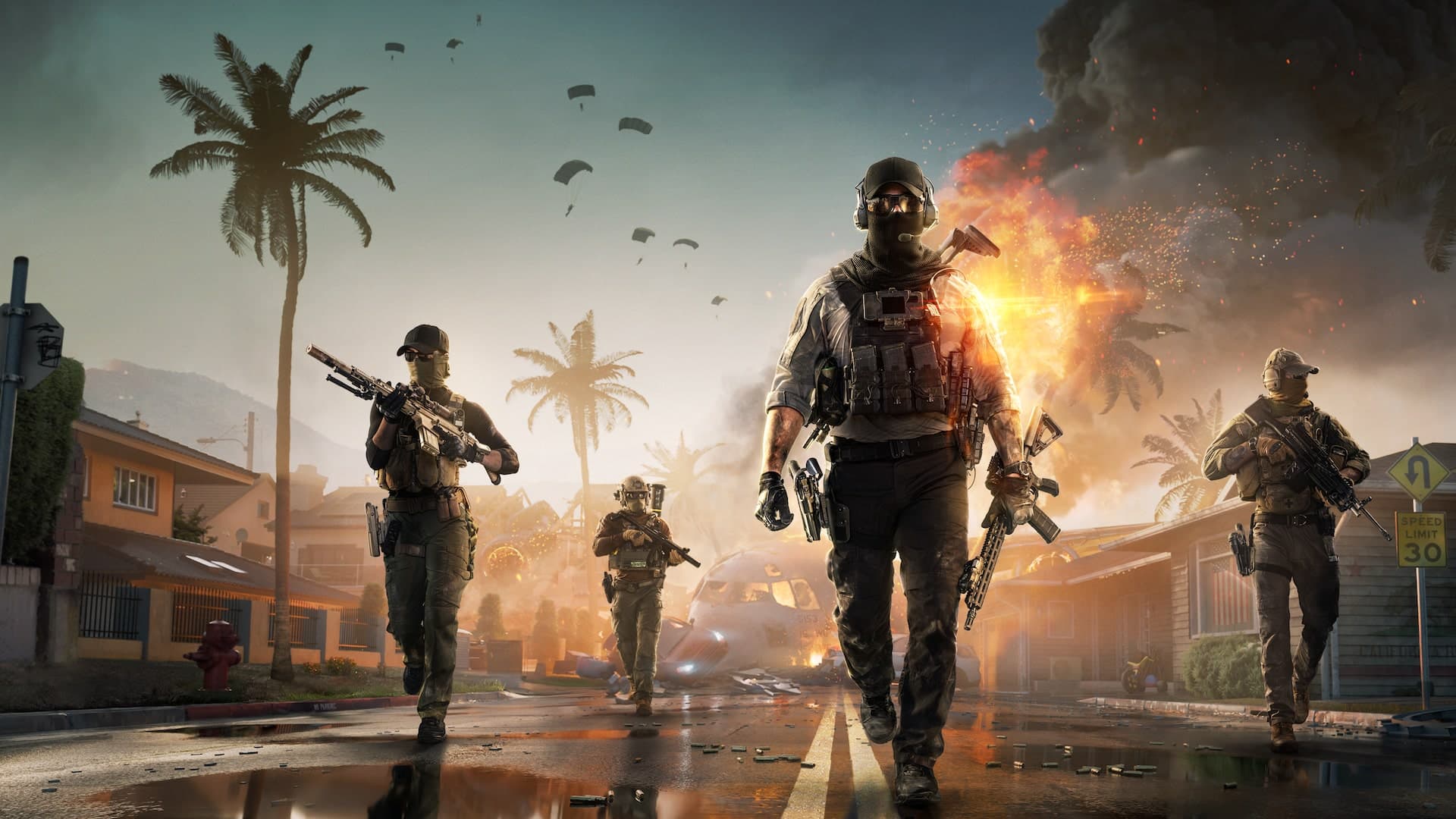
How to check your RedSec stats
Find RedSec wins, placements, extractions, revives, and your ranked division. Search an EA name, open the RedSec tab, and read Solo, Duos, Squads, and Gauntlet separately.
Read article
How to check your Battlefield 6 multiplayer stats
Look up a Battlefield 6 multiplayer profile by EA name. What kills, K/D, weapon tables, vehicles, gadgets, and maps actually show, and how to read them.
Read article
Battlefield 6 stats not showing? Fix the EA name first
A Battlefield 6 or RedSec profile comes back empty for a short list of reasons: the wrong EA name, the wrong platform, or a mode you have not played yet.
Read article