Battlefield 6 season meta: what stats actually matter right now
A practical BF6 meta checklist — weapons, maps, modes, and K/D context — plus how to use BattleStats tables to see if your loadouts match the season.
By BattleStats
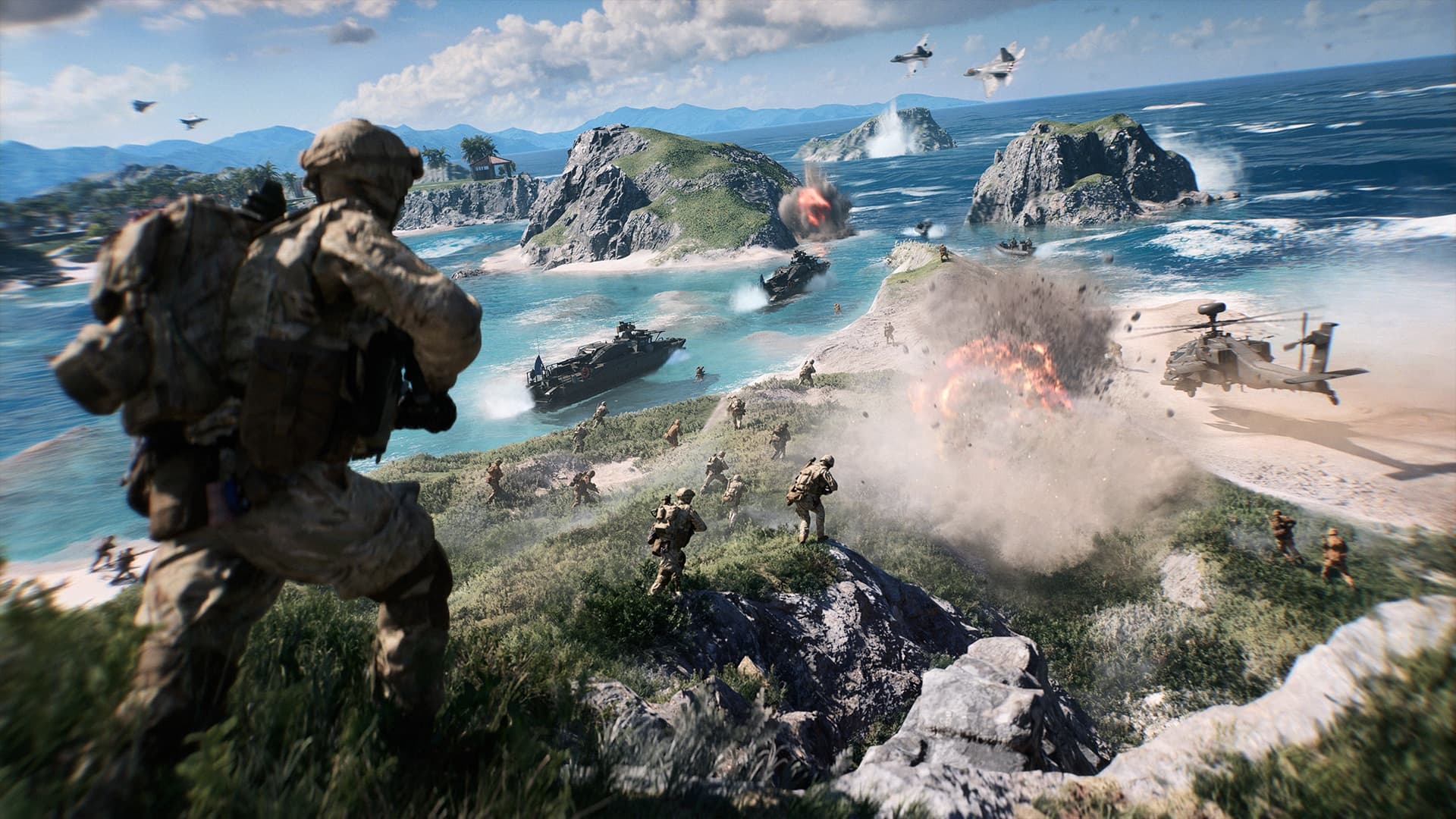
The Battlefield 6 meta shifts every balance pass, but the stats that tell you whether you are adapting stay the same. This guide is written for players who want signal, not hype — and for anyone ranking pages around “BF6 meta,” “best weapons BF6,” and related searches.
BattleStats is independent and not affiliated with EA or DICE. Always verify final patch numbers in official notes.
Start with time-on-weapon, not Reddit tier lists
A weapon with a high community pick rate is useless if you cannot control it. On your player profile, sort the weapons table by:
- Time equipped — what you actually run
- Kills per minute (KPM) — pace of impact
- Headshot rate — aim discipline under pressure
- Accuracy — only meaningful with enough shots fired
If a “meta” AR sits in your list with poor KPM and low headshot rate after several hours, the problem is fit or attachments — not a missing tier-list badge.
Multiplayer vs RedSec: do not mix the narratives
Large-mode Conquest and RedSec battle royale punish different mistakes. Treat them as separate careers:
- Multiplayer — vehicles, gadgets, map win rates, class split
- RedSec — placements, extractions, ranked division, season splits
BattleStats keeps these domains separate on purpose. Comparing a 2.0 multiplayer K/D to RedSec K/D without context is how bad takes get written.
Maps and modes: where your hours go
After weapons, open maps and modes:
- High playtime + low win rate on a map → learn lanes or stop queueing it on tilt
- Strong Breakthrough / weak Conquest → lean into the modes that match your infantry or vehicle focus
Meta articles that only list guns ignore that map pool and mode mix decide whether a gun ever sees fair fights.
Vehicles and gadgets still decide rounds
Infantry meta content dominates search results, but many matches still swing on:
- Armor denial and repair loops
- Air denial
- Spawn beacons, C4, and utility that never show up on a “T1 assault rifle” graphic
Sort vehicles by kills and vehicles destroyed; sort gadgets by uses and damage. If your engineer time is high but gadget impact is flat, that is a concrete improvement target.
How to use this site for weekly meta checks
A simple weekly routine that compounds:
- Search your EA name on the home page.
- Note top 5 weapons by kills and by KPM.
- Check class playtime — is one class carrying everything?
- Glance at RedSec placements if you play BR.
- Optional: pin a live strip with the overlay builder so you see K/D and wins mid-session.
What “good” looks like (without ego)
Raw K/D is not a skill floor by itself. Prefer trends:
- KPM up week over week on the same gun
- Headshot rate stable while volume increases
- Map win rate rising on your most-played tiles
- RedSec: more top-10s even when win rate is flat
That is how you track the season meta for your account, which is the only meta that improves your rank and stream narrative.
Related reading
Related

How to check your RedSec stats
Find RedSec wins, placements, extractions, revives, and your ranked division. Search an EA name, open the RedSec tab, and read Solo, Duos, Squads, and Gauntlet separately.
Read article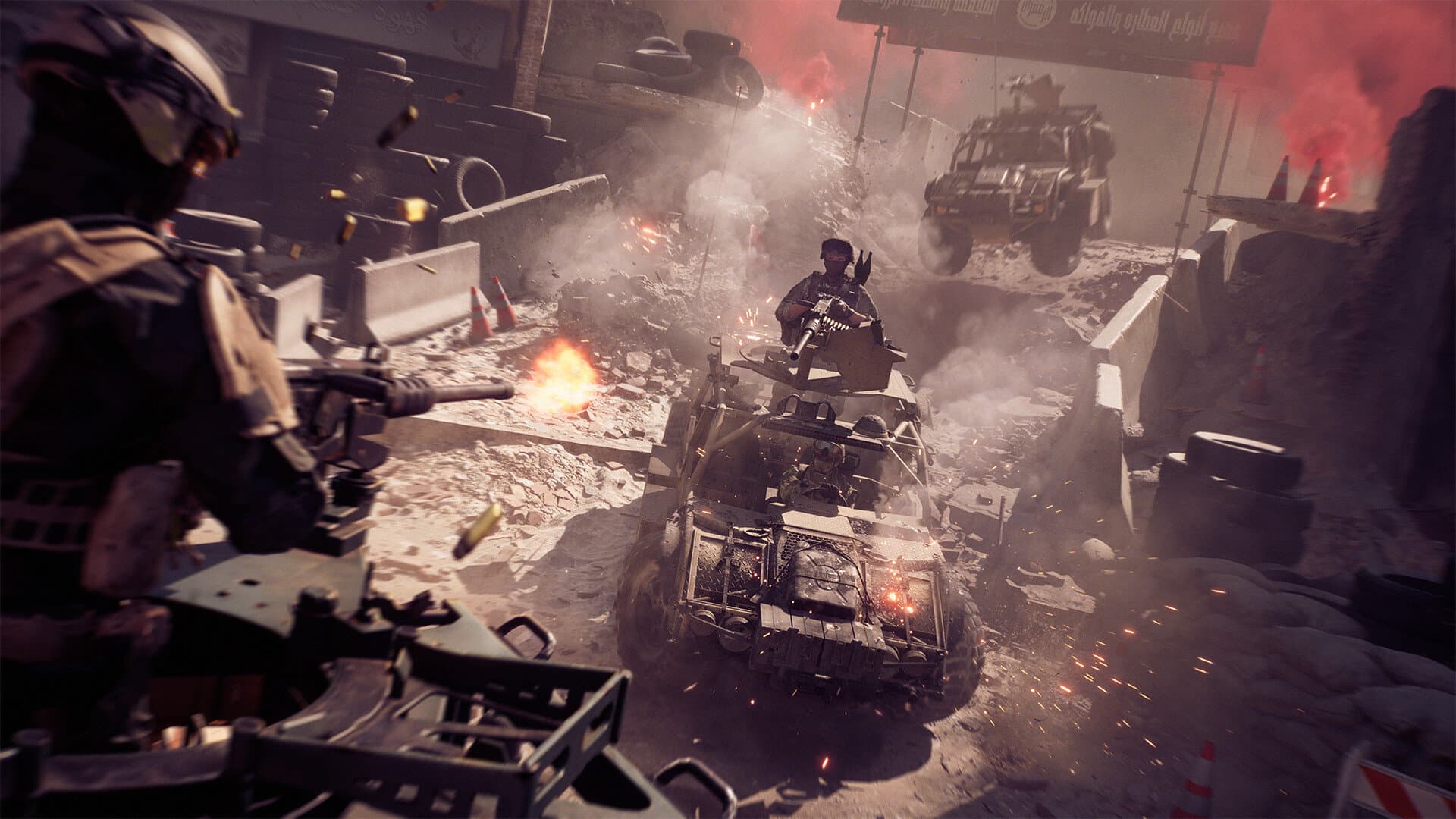
How to check your Battlefield 6 multiplayer stats
Look up a Battlefield 6 multiplayer profile by EA name. What kills, K/D, weapon tables, vehicles, gadgets, and maps actually show, and how to read them.
Read article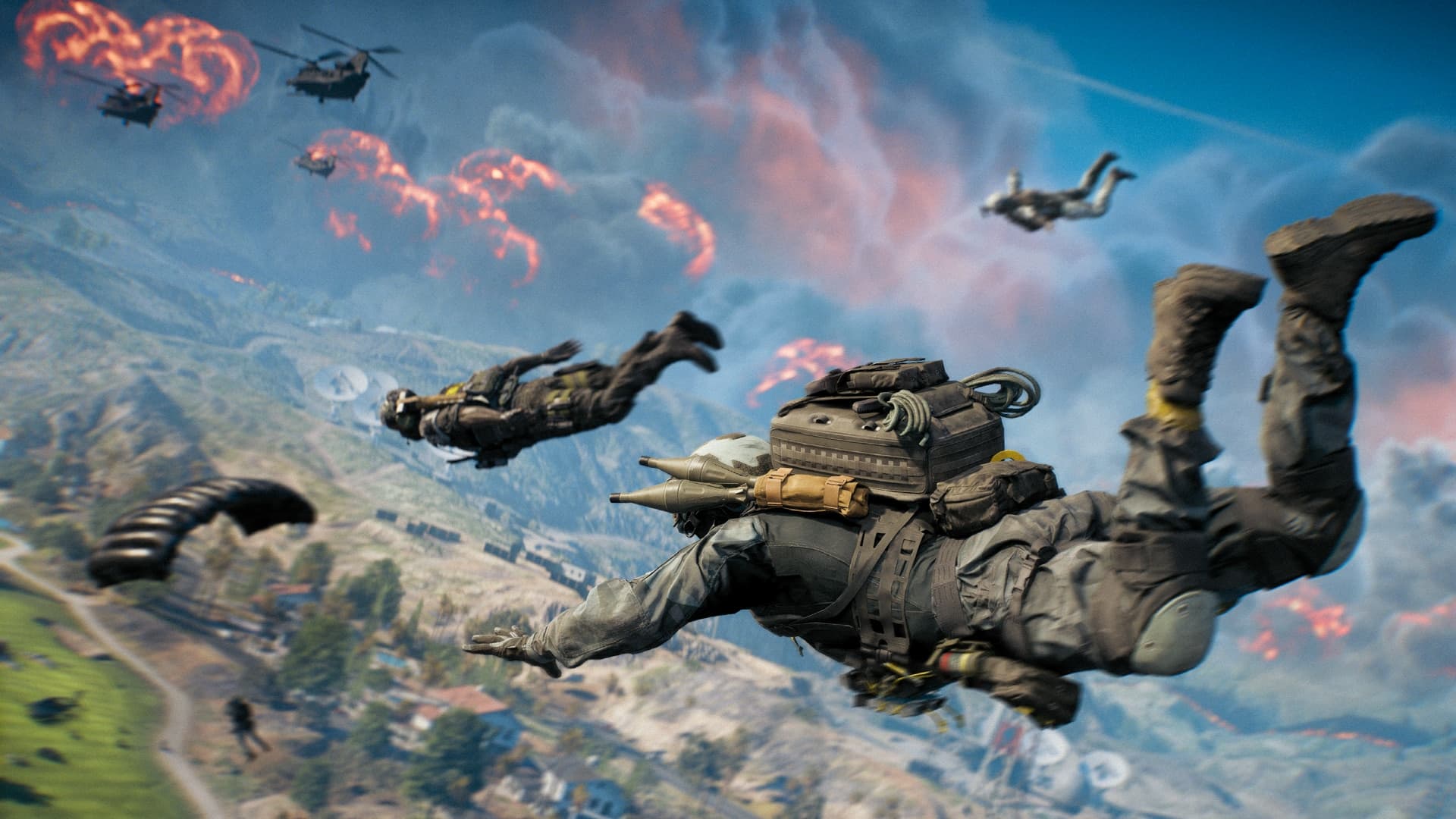
Battlefield 6 stats not showing? Fix the EA name first
A Battlefield 6 or RedSec profile comes back empty for a short list of reasons: the wrong EA name, the wrong platform, or a mode you have not played yet.
Read article